
What it is
Everything the app does, in one place you can point at
No separate frontend repo, backend repo and glue. One project, on your machine, as plain files you can put in git.
The thing you draw is the thing that runs
Pages, components, state, queries and a backend are nodes you place and wire. There is no build step between the canvas and the running app — change a node, watch the preview change.
An agent that works in the file you do
Two MCP servers ship inside the app: one reads and writes the project on disk, one drives and inspects the app while it runs. Every write is validated before it lands, and a page is not “done” until it has been rendered.
Yours, offline, GPL-3.0
A desktop app for macOS, Windows and Linux. Projects live on your disk as per-component files that diff and merge in git — and export to a React repo when you want out. NodeGX is a fork of Noodl, continued by The Low Code Foundation after the original was discontinued.
With Claude Code
A canvas your agent can build on — and you can audit
Handing an agent a codebase gives you diffs to review. Handing it a NodeGX project gives you a running app and a graph you can look at. Two MCP servers ship inside the desktop app; neither is a separate install.
It reads and writes the project
Open a project, read its components and the catalog of every node type, plan a change, then write it. Every write is validated before it lands — unknown node types, ports that don’t exist and dangling wires come back as diagnostics with suggested fixes, not as a broken app.
It debugs the app while it runs
A second server attaches to the running preview: list the live nodes, click and
type in the app, trace a signal, and ask why_is_this_empty about a
port that stayed blank. The answer is computed from the graph and the trace
— nobody has to grep a log.
It doesn’t eat your context window
The full tool surface costs over 20,000 prompt tokens on every turn — measured, not guessed — so only the twenty needed to author a component are advertised up front. The rest (backend admin, lessons, theming) are revealed on demand, and writing a node that needs a backend reveals them without being asked.
Connecting it is one paste. Settings → Editor → Connect an AI agent emits the command with the paths for your installation already filled in:
claude mcp add --scope user nodegx-<project> -- node <path>/noodl-mcp.cjs <project-dir>
The server name carries the project, so two projects register as two servers instead of quietly replacing one another. Both servers are stdio — there is no URL, and nothing to start.
Demos · running now
Try an app before you download anything
Every one of these is a whole NodeGX app, published with the product’s own deploy and running in your browser. No account, no install — open one and use it.
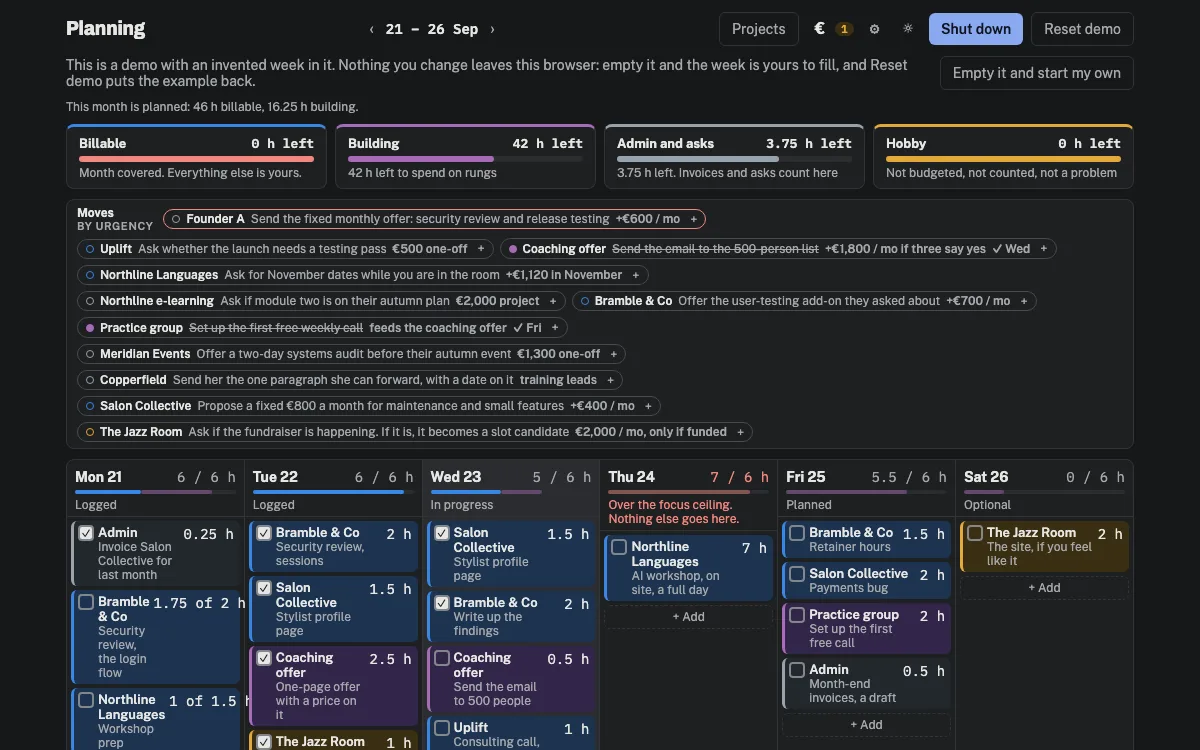
Planning
A week for people who bill by the hour: what the month has to earn, how many hours a day that is from here, and what the ceiling leaves over for the work that pays later. The demo keeps the week in your browser.
Open the demo →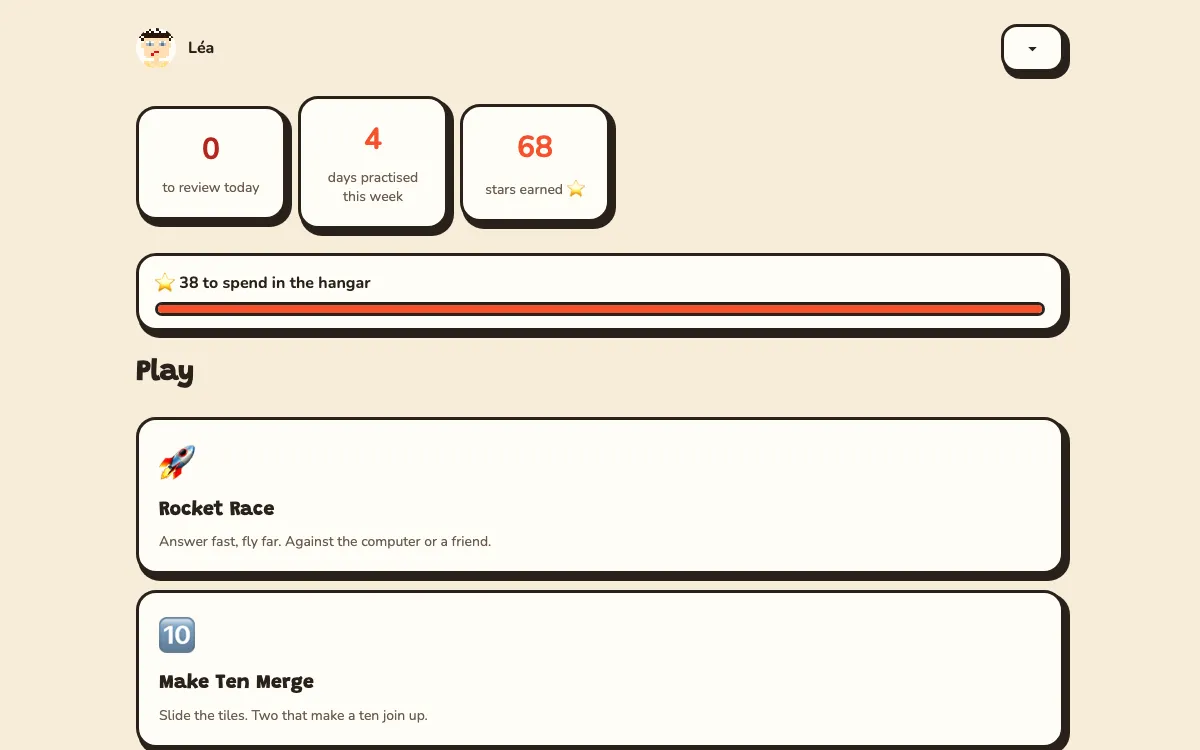
Rocket School
Maths and typing practice in English and French. Make a player and race the computer to the planet — 62 skills from CE2 to 6e, and progress kept in your browser.
Play the demo →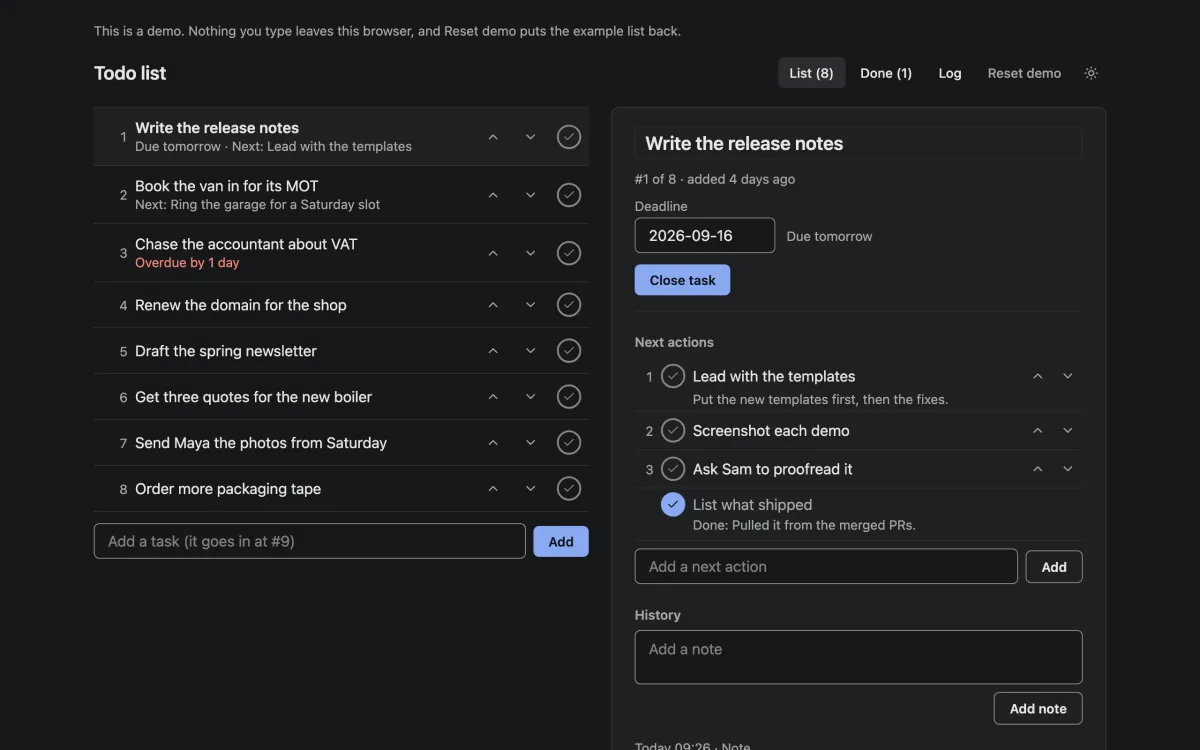
Todo list
One list, in the order you will do things. Nothing is deleted — you close a task by writing what happened. The demo keeps the list in your browser; the template keeps it in the NodeGX backend.
Open the demo →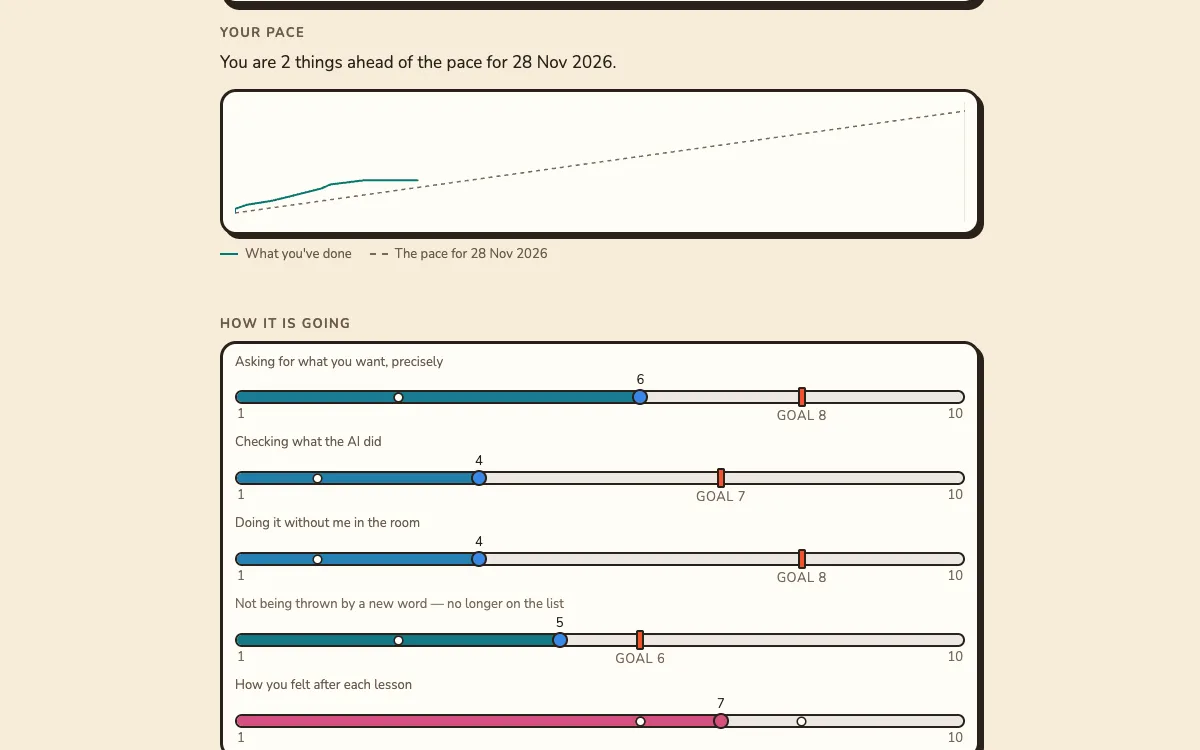
Digital Bricks Training
A coached course where the learner’s own project is the curriculum. Look at one programme from both sides — the learner’s and their trainer’s. Its dates follow today, so it is always mid-programme.
Open the demo →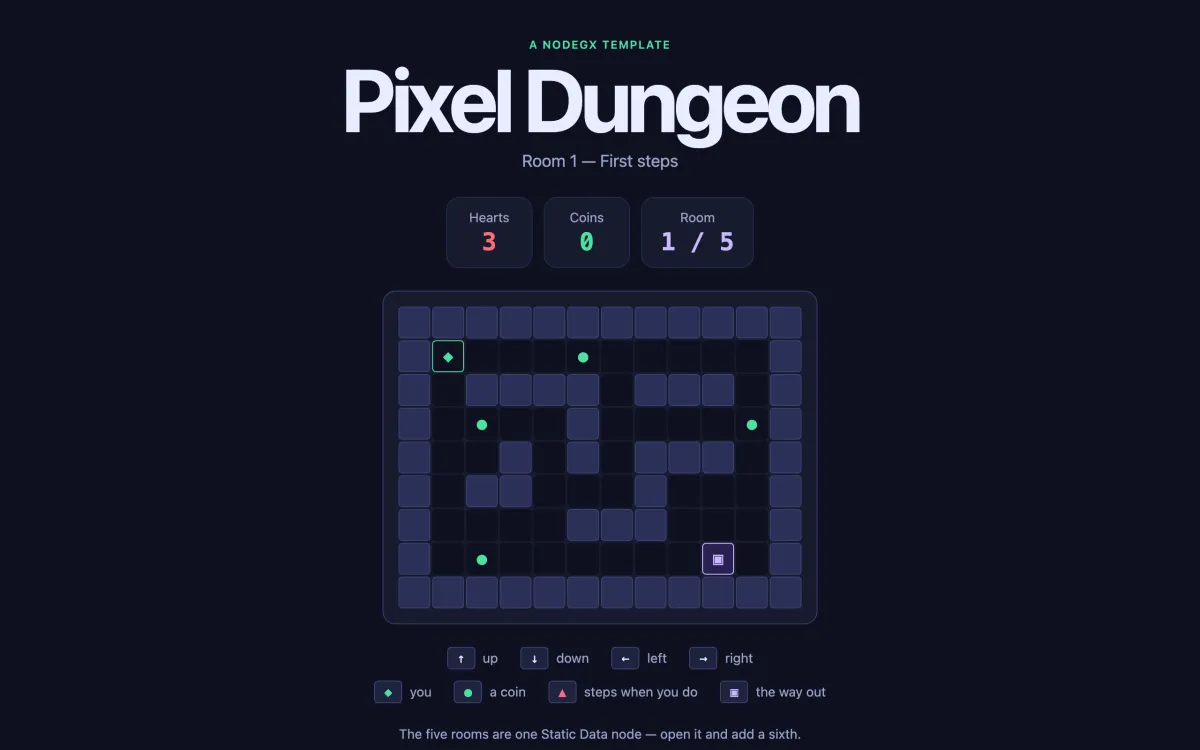
Pixel dungeon
A turn-based dungeon played with the arrow keys. The five rooms are one list in one node — add a sixth entry and it is in the game.
Play the demo →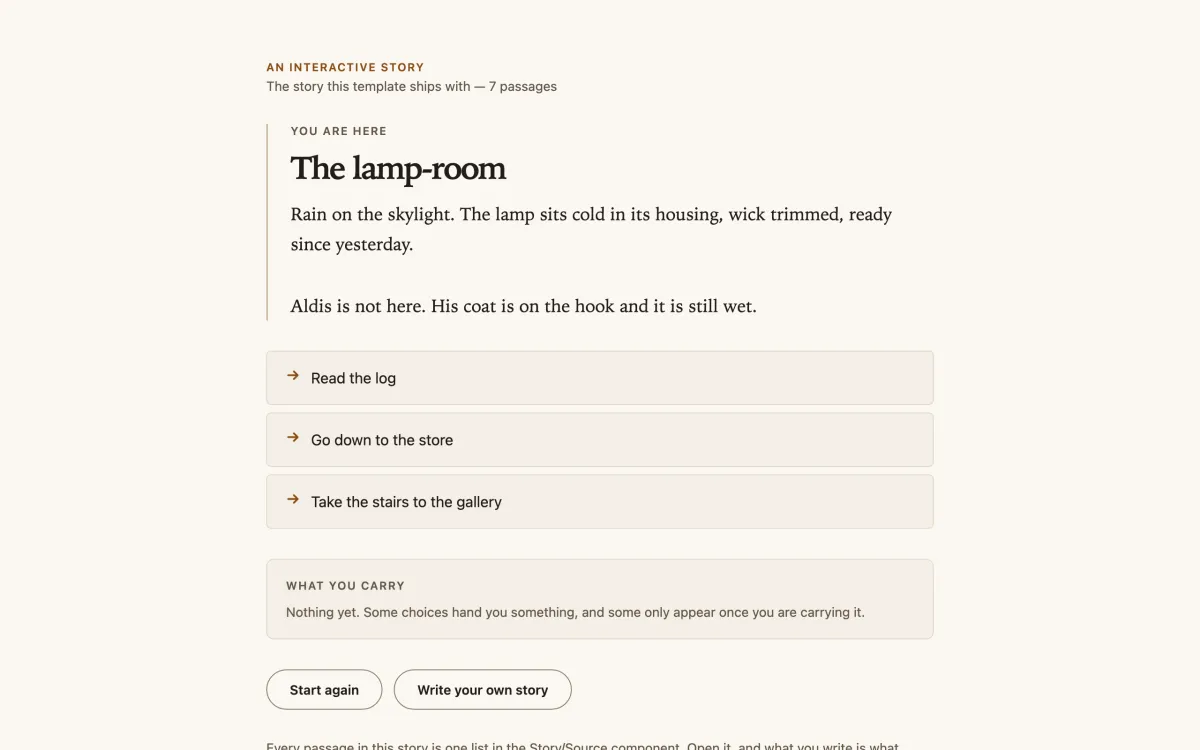
Story engine
A branching story where choices hand you things, and some only appear once you carry them. Paste your own story in and it plays straight away.
Read the demo →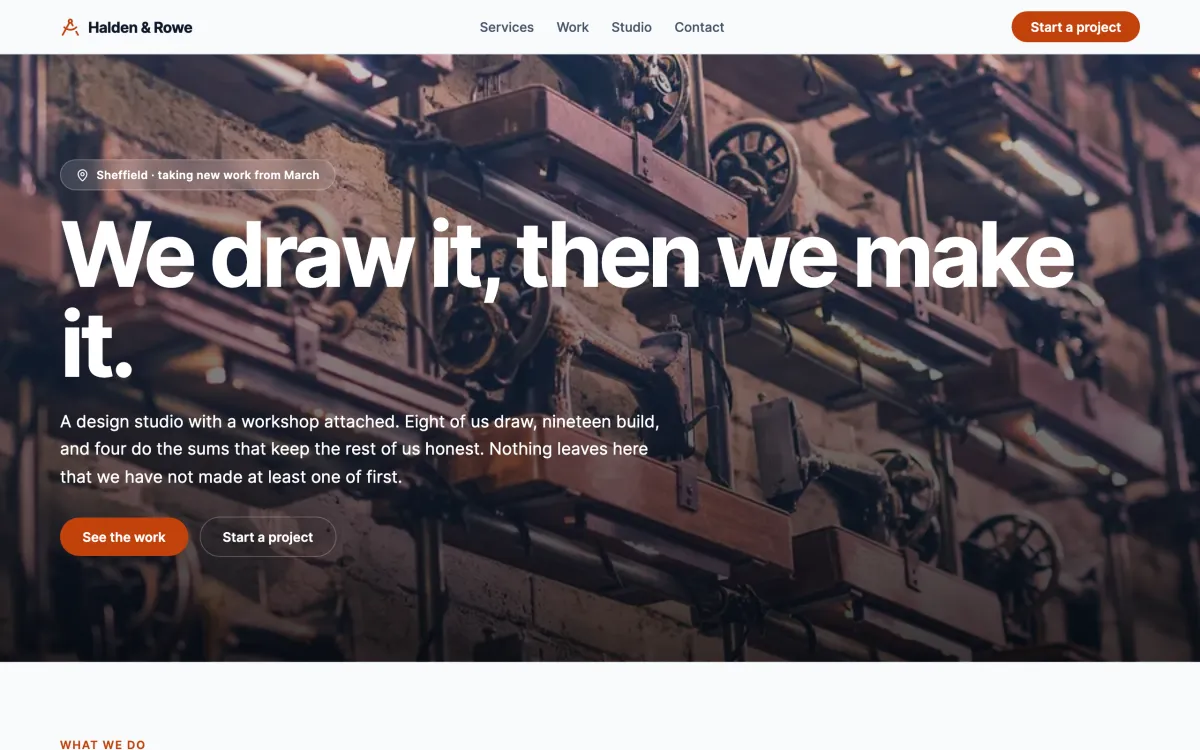
A business landing page
One of the three pages in the landing-pages template: a header that follows you, links that scroll to their section, and no backend at all.
Open the demo →Make it yours Every demo is a template. Download NodeGX, open the launcher’s Templates tab and pick the one you just used — the whole app lands on your machine as a project, every node and wire of it, ready to change. The one exception is Digital Bricks Training: its template needs a backend of its own and is not on the shelf yet.
Download NodeGXTemplates · new in 0.2.2
Four real applications to start from
Not screenshots of an idea — whole apps, built through the product’s own doors. Building them is also how most of this release’s bug fixes were found: they were fixed in the product, not patched in the template that hit them.
Planning
A week for people who bill by the hour: hour budgets for billable, building, admin and hobby work, a strip of next moves, money that is ticked when it actually happens, and one sentence a night about tomorrow. Its numbers are yours — try the demo, then install it from the launcher’s Templates tab and point it at your own backend.
A members’ area
A landing page for an association, sign-in, ask-to-join, a moderator queue that approves people, announcements, a diary and a directory — with the restriction enforced by the backend rather than merely hidden in the interface.
A site builder
A content-managed website whose pages and sections are stored as records, an admin panel that writes them, a theme editor, and a public site that shows only what has been published.
Landing pages, no backend
Three complete pages in one project — freelancer, local business, product
launch — sharing a header, a footer and a contact form that opens the
visitor’s own mail app. Every string you have to change is named
EDIT — and listed in a generated START-HERE note.
The launcher has a Templates tab reading the same shelf the create wizard reads. On it today: Planning, Todo list, Rocket School, Pixel dungeon and Story engine — the apps behind the demos above, whole, every node and wire.
Code export · new in 0.2.2
Your app leaves as code
The lock-in question, answered in the product rather than in a promise. Settings → Project → Export as React code… shows what will and will not translate before anything is written, then writes a Vite + React project that talks to your deployed backend.
export today
so it can only rise
README that works
The other ten are badged Not exportable on the picker card and in the property
panel — you find out while you are choosing a node, not after you have built on
it. The export writes a report naming every node it left out and why.
@nodegx/core is published on npm, so the npm install in the
exported README resolves.
Code export is alpha. Explore the code and build on it — don’t ship a production app out of it yet.
Download
Alpha, and honest about it
This is a public alpha: it builds real apps and it still has rough edges we write down rather than hide. Every release ships with what changed and what is known broken — including, this time, that the members’ area template ships at passable rather than worthy, and that four site-builder screens are still open.
The release where we stopped building NodeGX and started using it, and wrote down everything that broke. Three template applications, React code export, and a fortnight of fixes found by living inside the shipped editor. There is no 0.2.1 — it was an internal cut held back as too buggy to ship.
What changed in 0.2.2 All releases Linux .deb · 148 MB
macOS is signed and notarised — no Gatekeeper workaround needed. Windows is not code-signed yet, so SmartScreen warns on first run: More info → Run anyway. Linux builds are unsigned, as is normal for Linux desktop distribution, and have no in-app updater.
Community · now open
Somewhere to ask, and somewhere to learn
community.nodegx.io is live. Questions answered by people actually using NodeGX, a call every week on video, and written material that gets you from installed to building. Readable without an account — and the editor stays fully functional signed out, forever. An account adds surfaces on the platform; it never takes anything away from the tool.
The Bench
Questions and answers that stay findable, unlike a chat scrollback. Plus a chat room for the things that genuinely are chat.
The weekly call
An hour on video, every week, and every one of them recorded and posted. The replays are there from the first meet-up onwards.
University
Tutorials and courses on the platform — and eight guided lessons now ship inside the app itself, seeding themselves the first time you run it, checking your graph as you build rather than asking you to watch someone else build.
Mailing list
Hear when there is a new release
An email when a release ships, with what changed and what is known broken. That is the whole list — nothing else.
Elsewhere