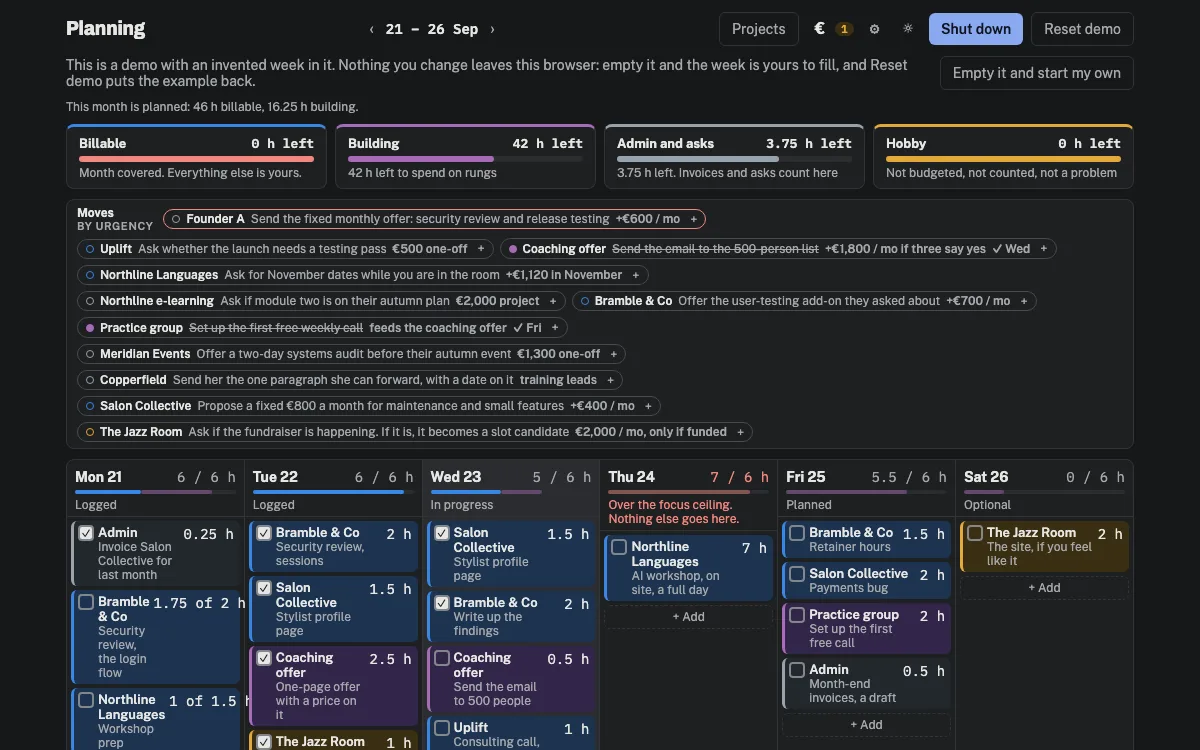
Planning
A week for people who bill by the hour. It shows what the month has to earn, how many hours a day that is from here, and what is left for the work that pays later.
Why we built itRichard bills by the hour. He wanted one screen on Monday morning that says where the month stands, without scrolling.
What it provedA real backend app that handles money can be built through the agent’s door. The person who asked for it can read every rule in the graph.
Open the demo →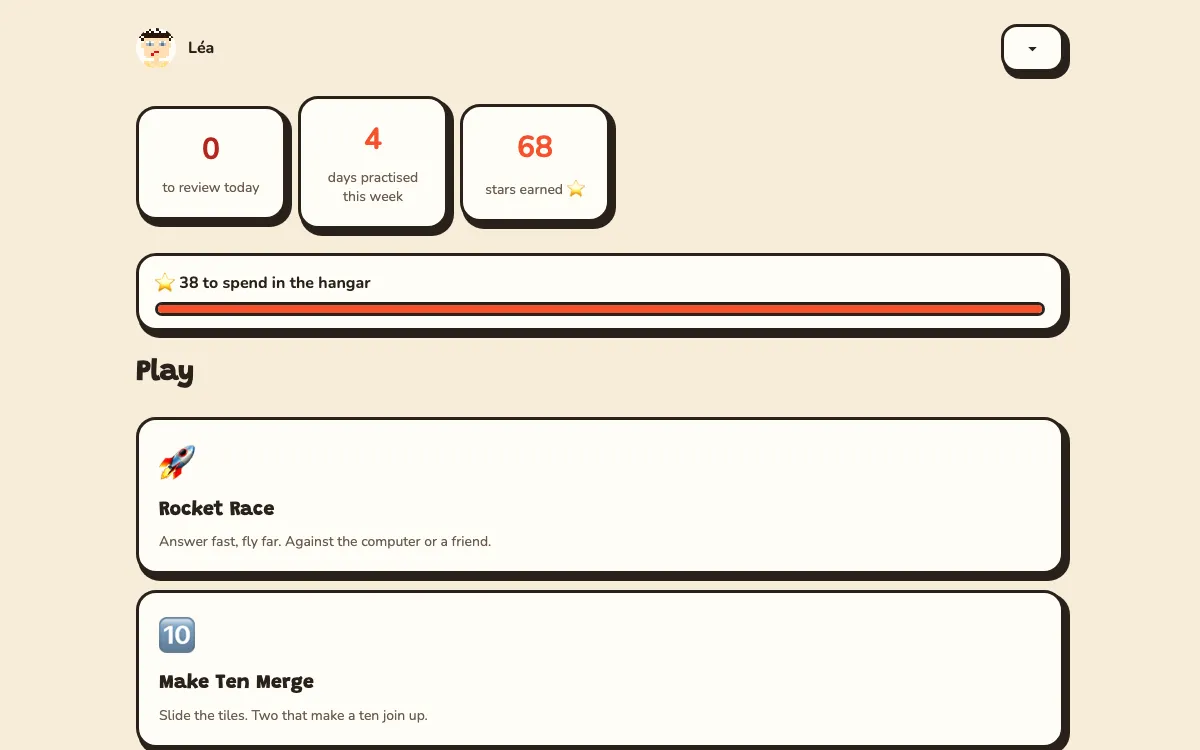
Rocket School
Maths and typing practice in English and French. Make a player and race the computer to the planet. 62 skills from CE2 to 6e, with progress kept in your browser.
Why we built itRichard’s children needed to practise maths and typing. The game is bilingual because they are at French school.
What it provedThree play tests with children changed the game three times. Each change was built through the same door the agent uses, with the whole template regenerated and checked byte for byte.
Play the demo →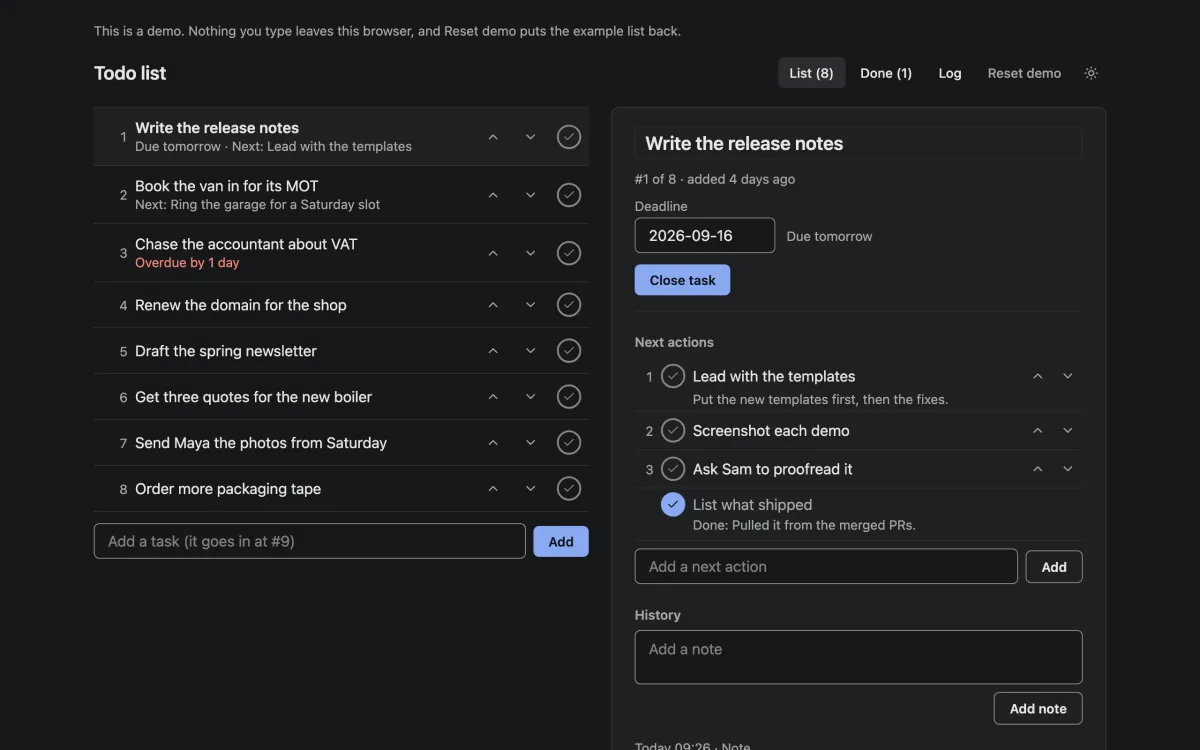
Todo list
One list, in the order you will do things. Nothing is deleted. You close a task by writing what happened.
Why we built itRichard hates task software. He wanted the simplest list that keeps a trace of every change.
What it provedA template can carry its own backend and its own rules. Each person’s rows are private and nothing can be deleted. Those rules live in the project, not in a setting somewhere.
Open the demo →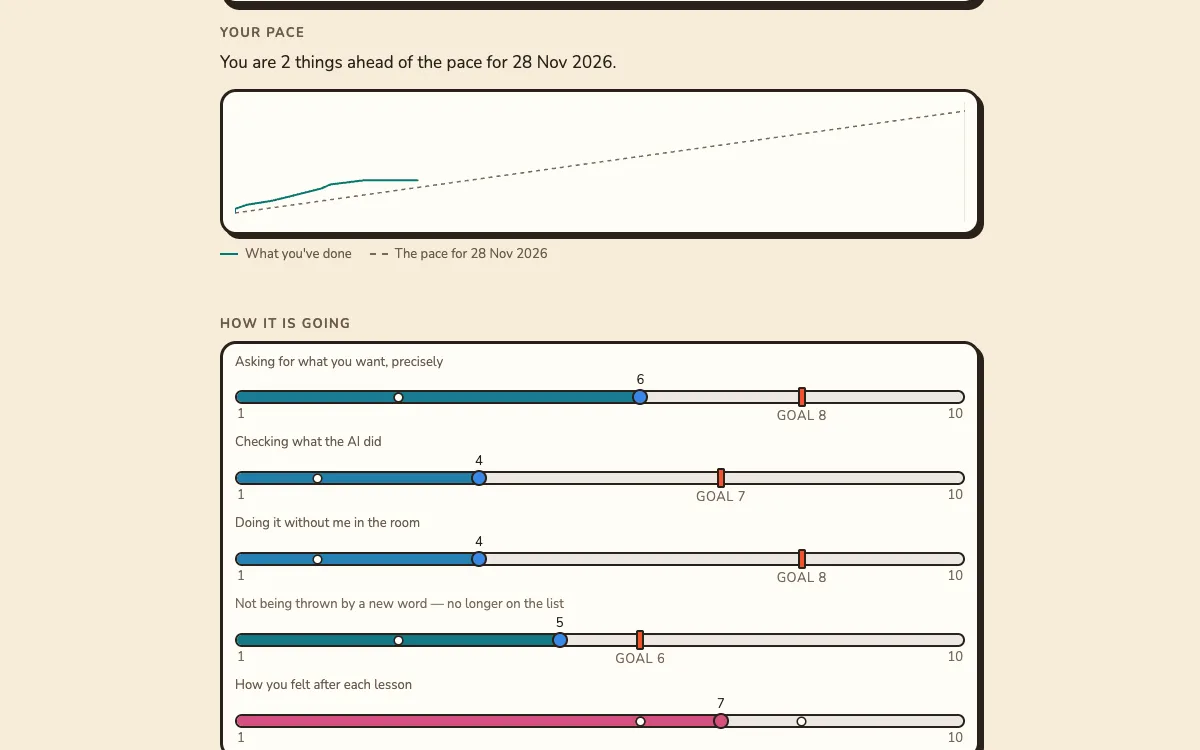
Digital Bricks Training
A coached course where the learner’s own project is the curriculum. Look at one programme from both sides, the learner’s and the trainer’s.
Why we built itThe app is the training product Richard sells, rebuilt in NodeGX.
What it provedWhere a graph stops helping. This is the largest app we have built through the door. About a third of it is JavaScript inside script nodes. The editor now shows that number for every app.
Open the demo →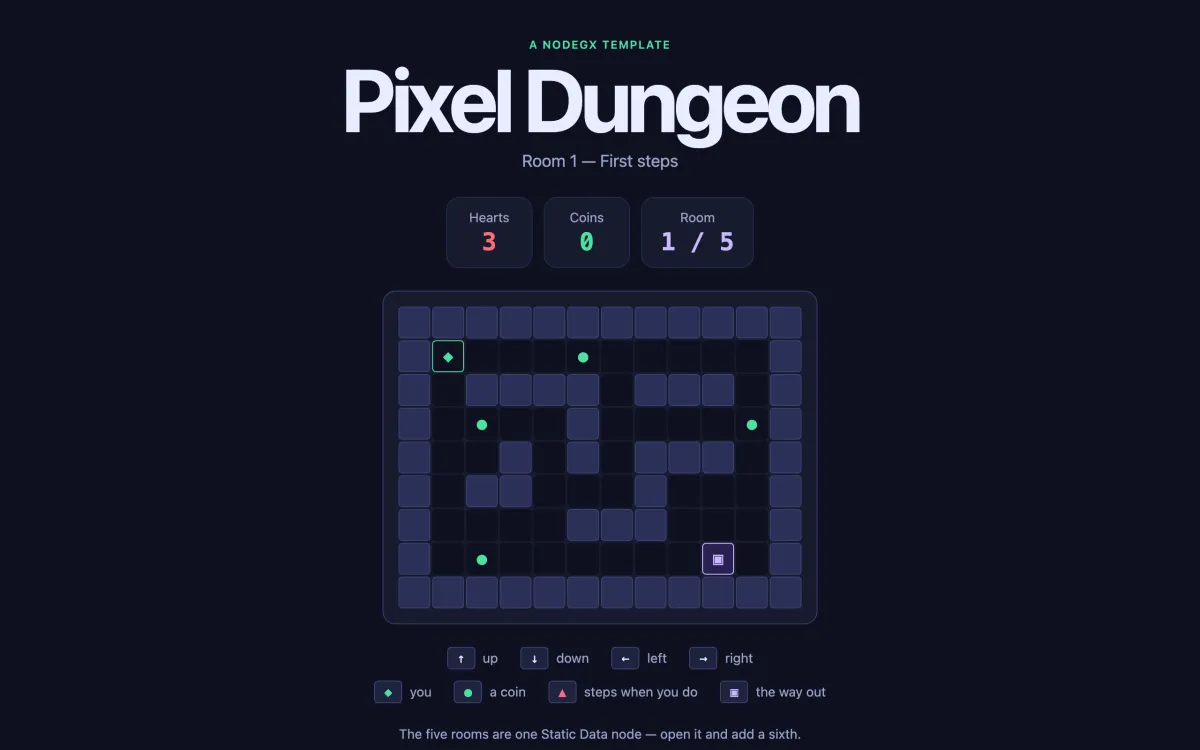
Pixel dungeon
A turn-based dungeon played with the arrow keys. The five rooms are one list in one node. Add a sixth entry and it is in the game.
Why we built itRichard asked for something that shows off the node graph and is not a website.
What it provedBuilding the dungeon found two defects, both fixed since. NodeGX had no node that ticks on its own, which is why the game is turn-based. A default on the States node silently did nothing.
Play the demo →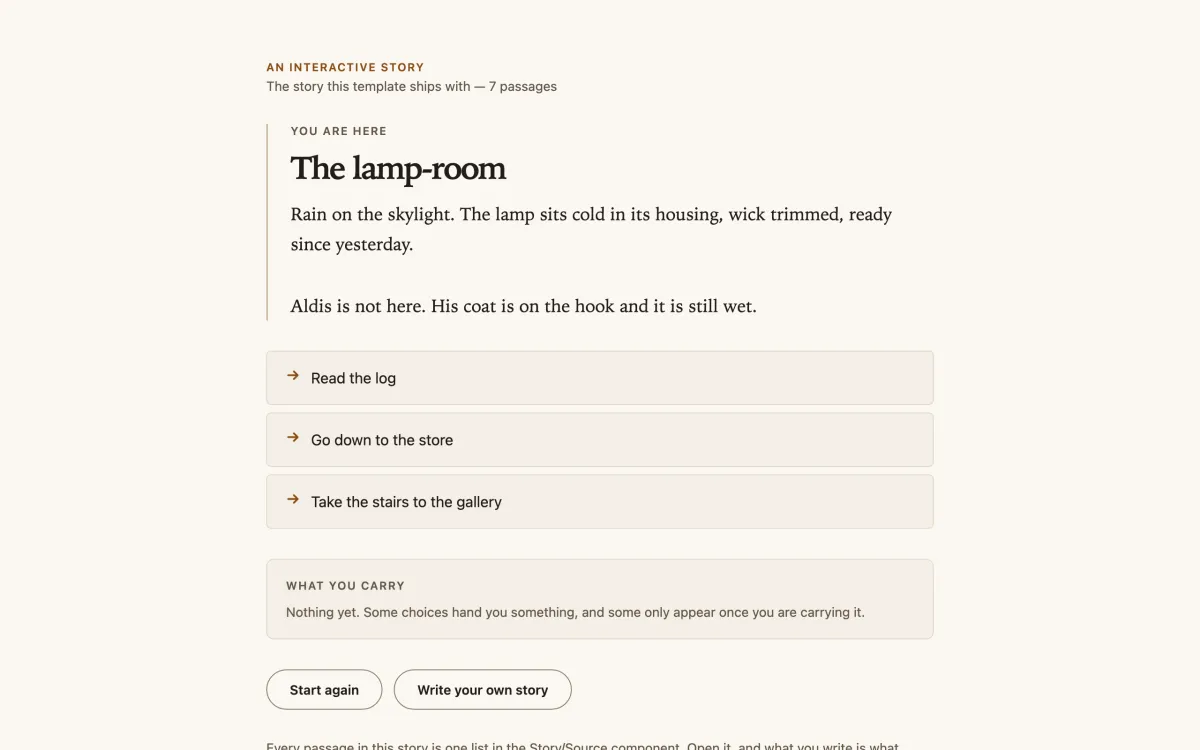
Story engine
A branching story where choices hand you things, and some choices only appear once you carry them. Paste your own story in and it plays straight away.
Why we built itRichard’s question was: you can build anything with Claude Code today, but can you go in and edit it afterwards?
What it provedWe rebuilt the engine with a completely different story and compared every component. The two builds differed in one parameter of one node.
Read the demo →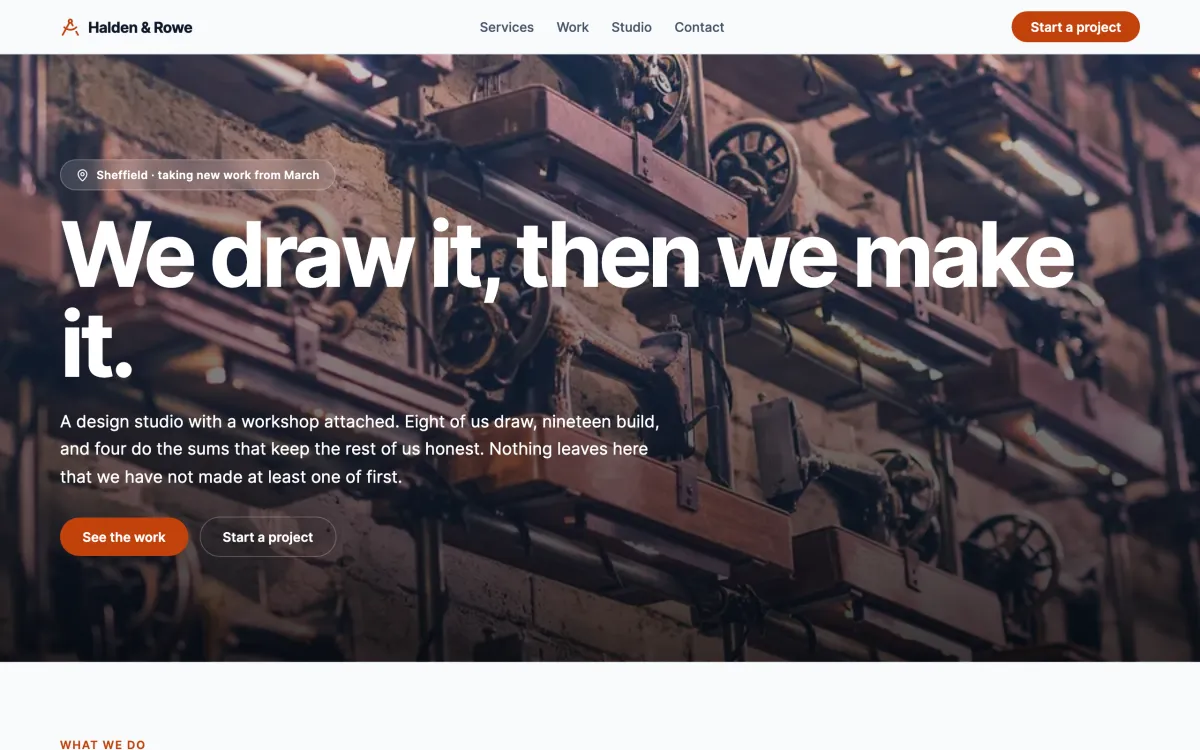
A business landing page
A landing page for a design studio: a header that follows you, links that scroll to their section, and no backend at all.
Why we built itThe first thing most people need is a page, not an app.
What it provedA one-page site needs none of the backend. The template ships inside the editor, with three page types in it.
Open the demo →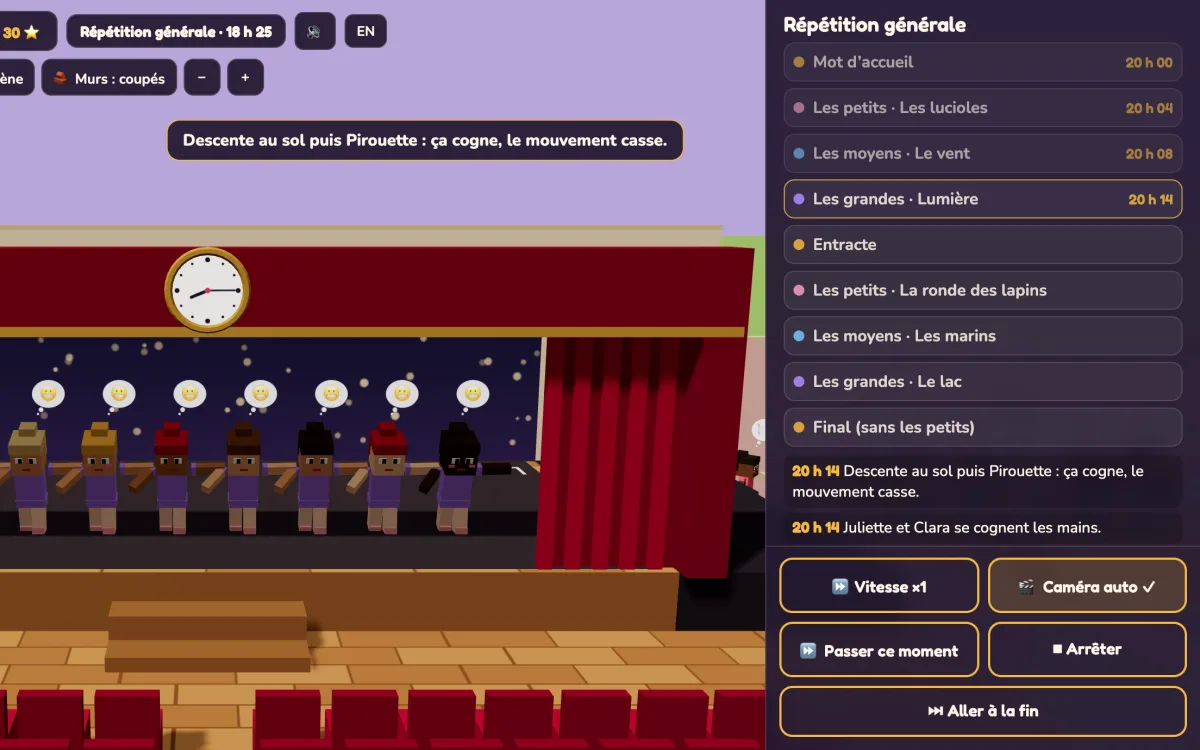
Le Gala de danse
You run a dance school’s gala night. Plan the running order, the formations, the costumes and the snacks, then watch the evening play out. Nothing marks your answers. If the maths is wrong, you see it happen.
Why we built itA maths game where the maths hides inside a dance school’s gala night: the timings, the spacing, the snacks.
What it isClaude Code built it as a plain web page first, so it could be play-tested. It then converted the game to NodeGX: 54 components, 762 nodes, in one sitting. Both versions, and what the conversion cost, are on the From code page.
Open the game →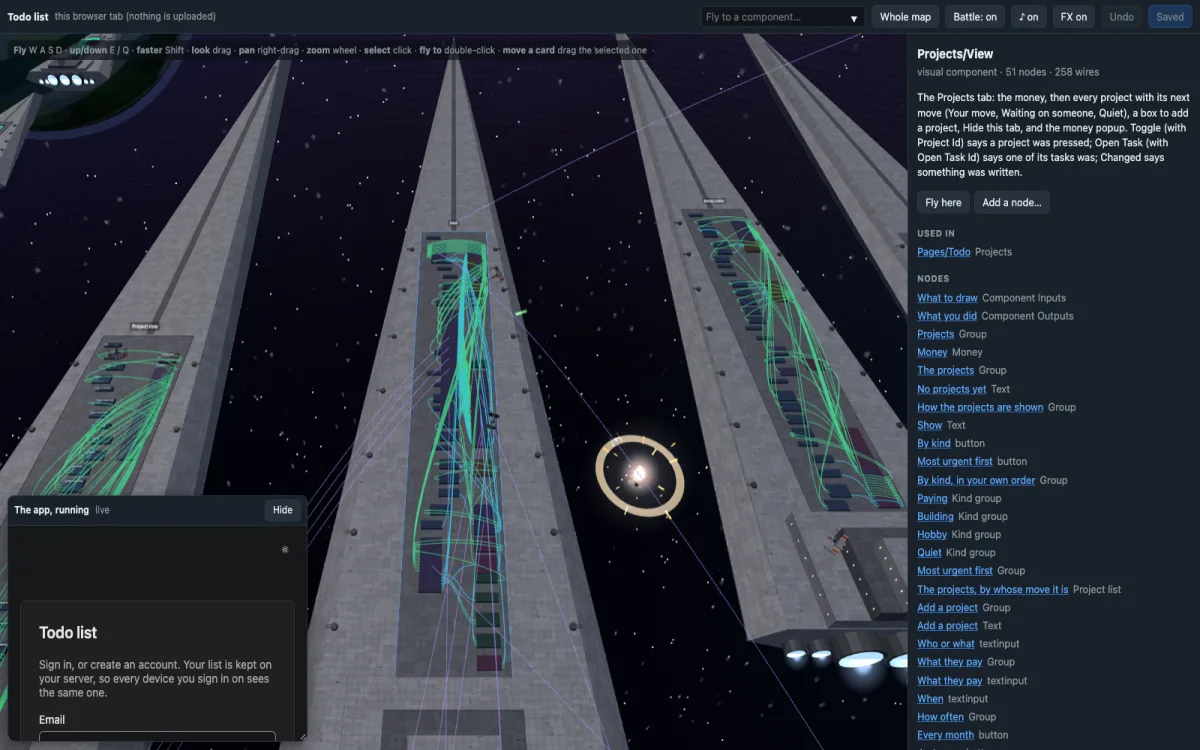
Orbit and the space map
Claude Code built Orbit and the space map from the NodeGX packages. Orbit lifts a timer’s nodes into 3D around the running app. The space map shows the todo list as a fleet of 80 ships.
See your own editor →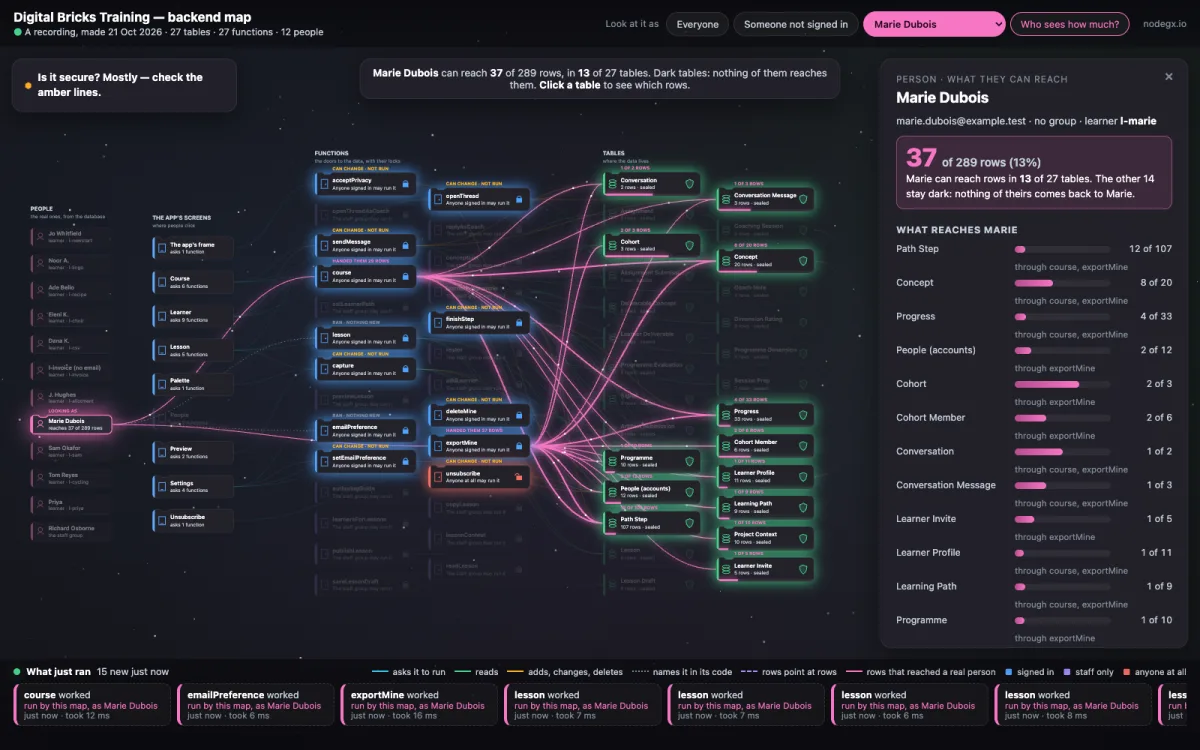
Backend map
The map shows a training app’s screens, cloud functions and tables in one picture. Pick one of the app’s twelve people and only the rows that reach them light up. A new learner reaches 2 of its 289 rows. A member of staff reaches 261.
Why we built itSo someone who doesn’t write code can answer a client who asks who can see their data.
What it provedWho can see what can be measured instead of guessed. The map ran every function each person may use with that person’s access. Then it counted the rows that came back. The people are test accounts.
Open the map →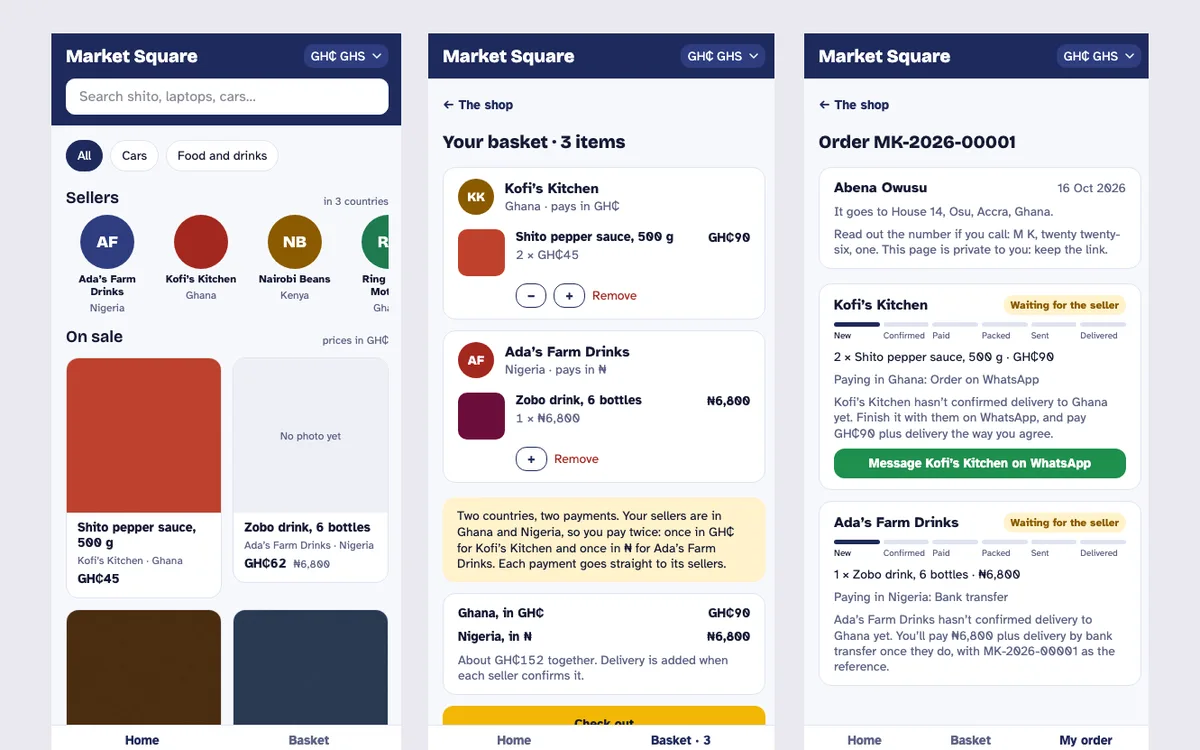
A community app and a marketplace
Two apps built free for a community group: a members’ app for a church, and a marketplace for small sellers in three countries.
See the Foundation →Make it yours Every NodeGX app above is a template. Download NodeGX, open the launcher’s Templates tab and pick the one you just used. The whole app lands on your machine as a project, every node and wire of it, ready to change. The one exception is Digital Bricks Training: its template needs a backend of its own and is not on the shelf yet.
Download NodeGX